
Rhino Floors Australia
Free to use, about a minute

Three steps to see it in your room.

01Add a photo02Pick a floor03See it laid

No sign-up needed. Your photo is not stored.
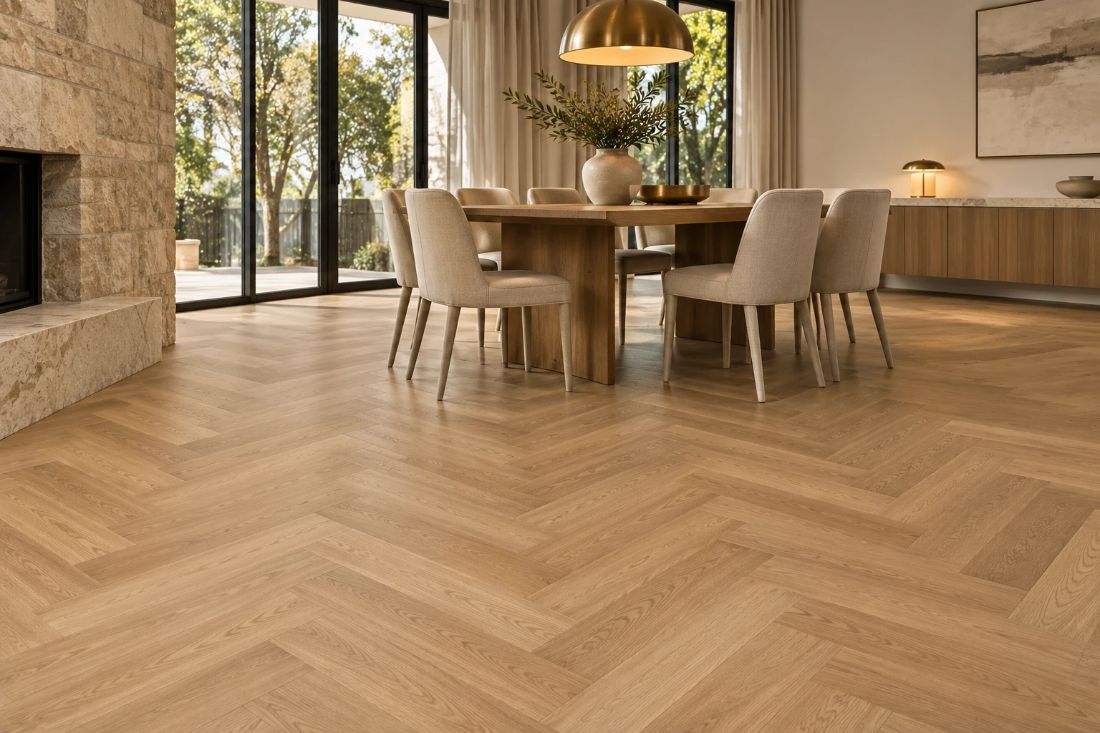
Herringbone engineered oak floor in a dining room
Floor visualiser

See your new floor in your own room.

Take a photo, pick a timber, and see it laid in your space. Free to use and it takes about a minute.

No sign-up needed

Step 1 of 2

Add a photo of your room

A wide shot with plenty of floor showing works best.

Your photo is not stored. It is only used to create your preview.
For the best result
Stand in a corner or doorway so most of the floor is in the shot.
Turn the lights on or open the blinds.
Hold the phone level, landscape or portrait.

No photo handy? Try a 3D room or upload a floor plan.

Your room photo
YOUR PHOTO
Colour

Swipe the colours, then tap to see it laid in your photo

Your details

Get a quote for this floor

Your room with the chosen floor
This floor and the others you tried are sent with your request.

No obligation. We use your details only to respond to your enquiry.

Request sent

Thanks. We have your request and your floor.

Want your quote sooner? Tell us the size and what is on the floor now. It takes about a minute. Or wait and we will call you.

Your room with the chosen floor
One more minute

A few details and we can price it sooner

Skip anything you are not sure about. We already have your floor choice.

How big is the area? Add your rooms, or type the total
OR
Floor area-
Plus 10% wastage-
Flooring to quote-

We add 10% to your floor area for wastage, which covers the cuts and offcuts when the floor is laid.

All done

Thanks. We have what we need to start your quote.

We will be in touch shortly.